
 by
by MyMajors is free for High School counselors who sign up for a counselor account through MyMajors.com. Here’s how to login:
1) Go to the homepage www.mymajors.com
2) Click “Log in” (Upper right hand corner)

3) Enter your Login and Password provided
4) Click “View Usage Details” – all students will be listed
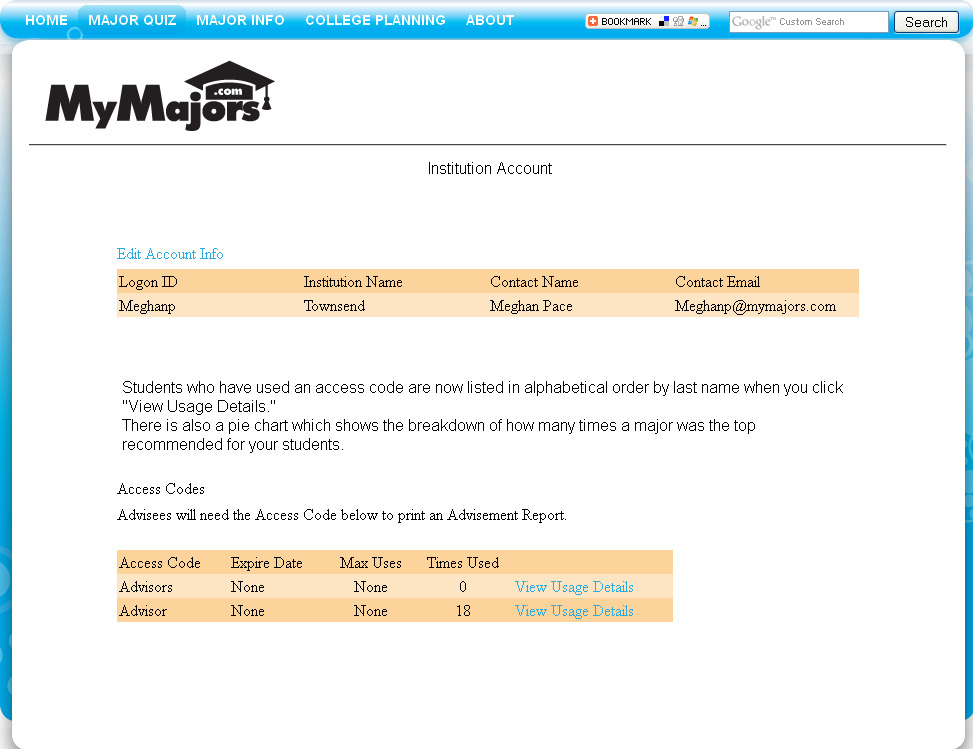
5) Click on “View Report” to see student’s Advisement Report
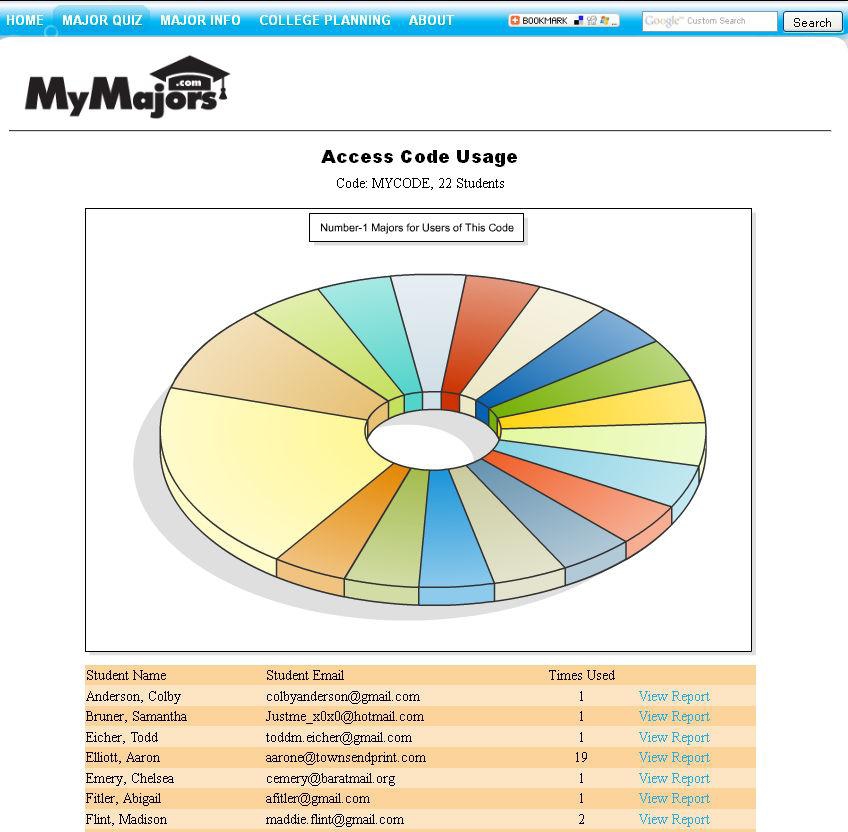
- Here you will find a list of your students who used the free access code and their advisement reports including their assessment results.
Sign up for your free counselor account and access code today!
Related Topics:
What is MyMajors.com?
How to Link to MyMajors
How to Re-Take the MyMajors quiz
MyMajors.com Network Publications


5 thoughts on “High School Counselor Login”